

NOTE:
System Requirements: 64-bit OS X 13.5 and above, 14, 15, 26
Step 1
Double-click the installation file Mathematica_15.0.1_MAC_DLM.dmg
Step 2
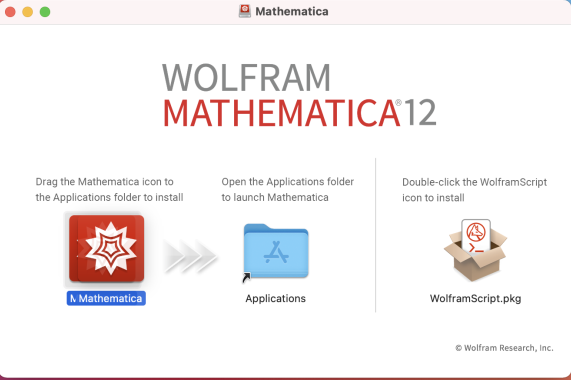
- Drag the Mathematica icon to the Application folder.
- Double-click on the Application folder.
- Double-click on the Mathematica icon in order to install it
Step 3
Choose Other ways to activate

Step 4
Click Connect to a network license server

Step 5
- Type the server name: mathlm.huji.ac.il
- Click Activate

Step 6
Accept License and click OK.
