
NOTES:
- Supported systems: Windows 11, Windows 10 (21H2 and higher), Server 2022, 2025 Desktop Experience
Step 1
Extract the contents of the file Mathematica_15.0.1_WIN_DLM.zip
Step 2
Click on the file Wolfram_15.0.1_WIN_DLM.exe
Step 3
Click on Next

Step 4
Click on Launch

Step 5
Decide on the componets you wish to install and click on Next

Step 6
Click on Install

Step 8
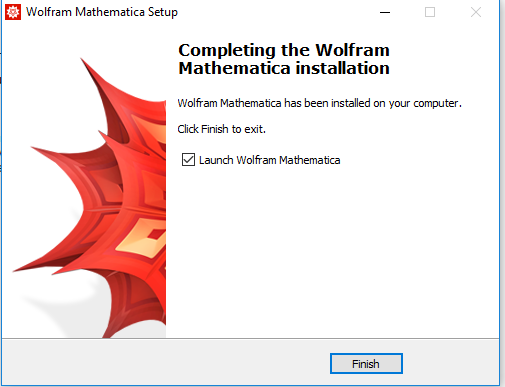
- Check Launch Wolfram Mathematica.
- Click Finish
Step 9
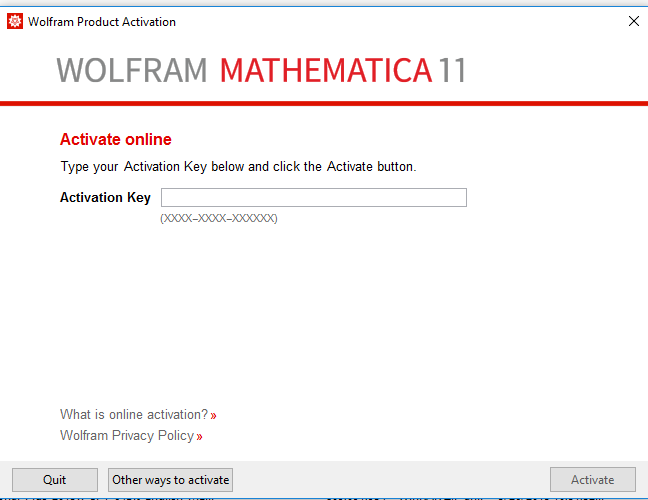
Choose Other ways to activate
Step 10
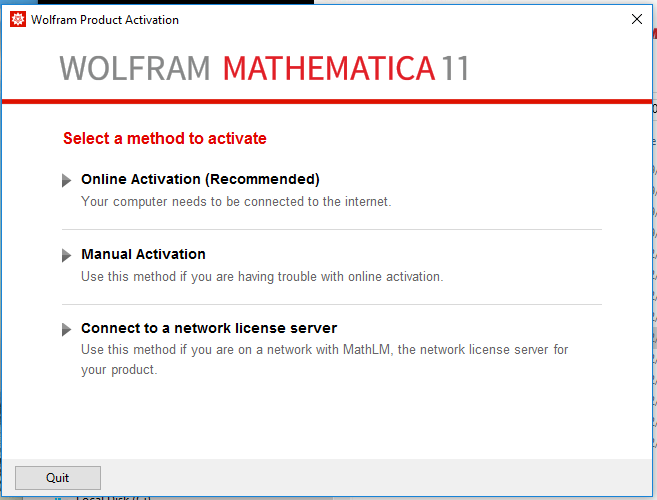
Click Connect to a network license server
Step 11
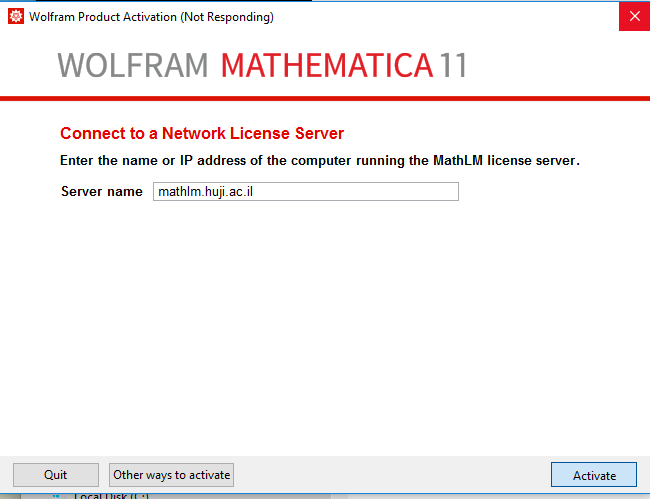
- Type the server name: mathlm.huji.ac.il
- Click Activate