
Create the Word file with the relevant information

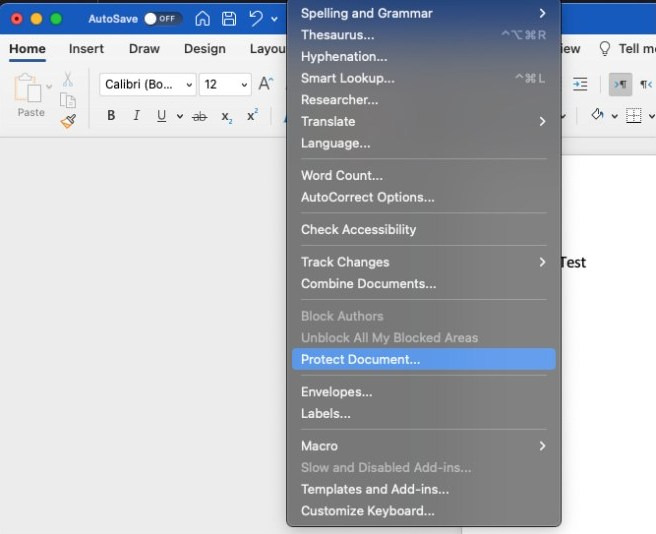
In the menu, go to Tools -> Protect Document
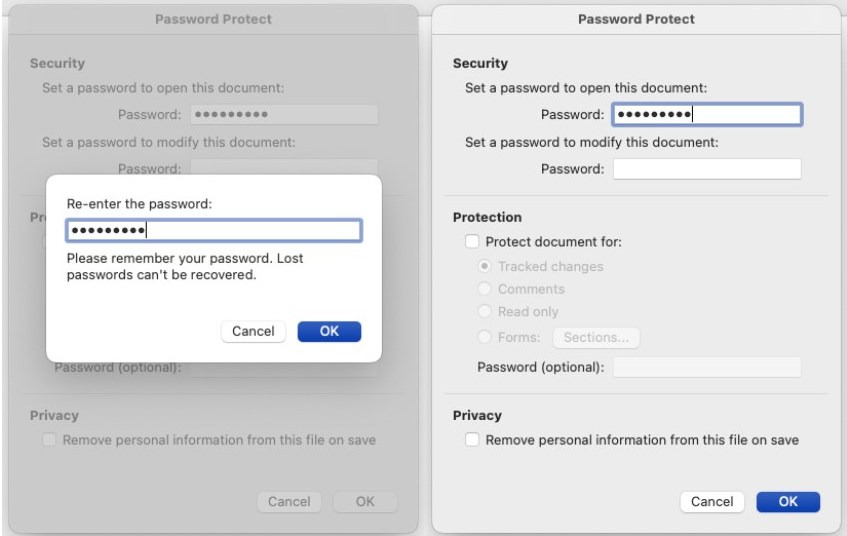
Enter the password (Note that in Office for Mac there’s a 15 character limit.) Make sure you remember the password, as it can’t be recovered.
The file can now be sent to the recipients.
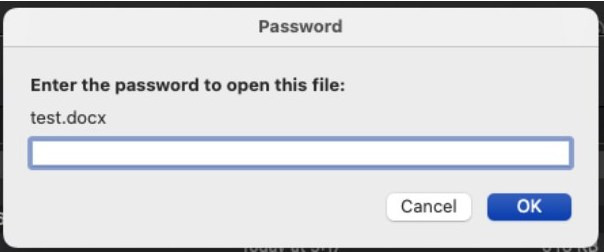
To open the file, the password must now be entered. There will be no need to enter the password to save the document.