

Using Two-Step Verification, Savion
All Savion accounts require two-step verification. This provides an additional layer of security.
When logging in for the first time, a complex two-step login process must be performed for the account. The double procedure detailed below is required only once when logging in to the account on each device/software/browser, after which the login is performed as usual.
Important! If there is an automatic forwarding from Savion to another email address, the two-step verification is still required.
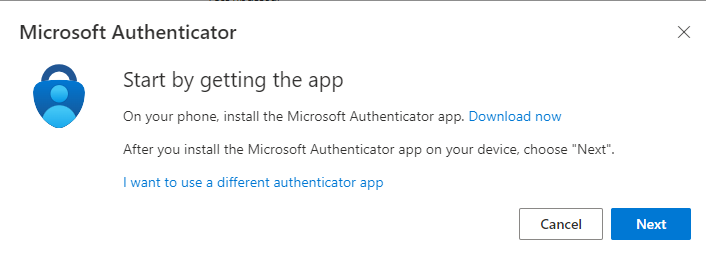
If you have already installed Microsoft Authenticator on your phone, click Next. If not, now is the time to install the application. Then, click Next.
You should get the following screen. Now we will set up the account on the app. Open the app on your phone. If this is your first time using the app, select Allow notifications (if prompted). Additionally, during the initial setup, you may be asked to allow access to the camera (iOS) or to allow photos and video recording (Android). You must select Allow so that the camera can scan the QR code in the following steps.
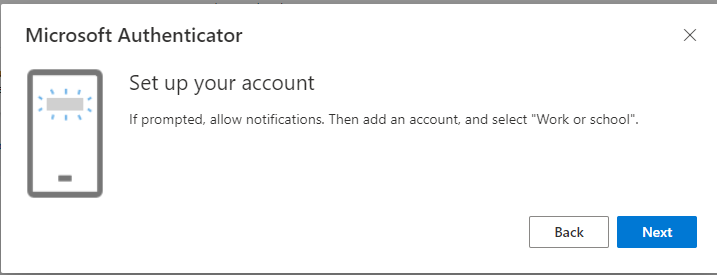
Open the app on your phone. Select + in the top right-hand corner to add an account, then select Work or school account.
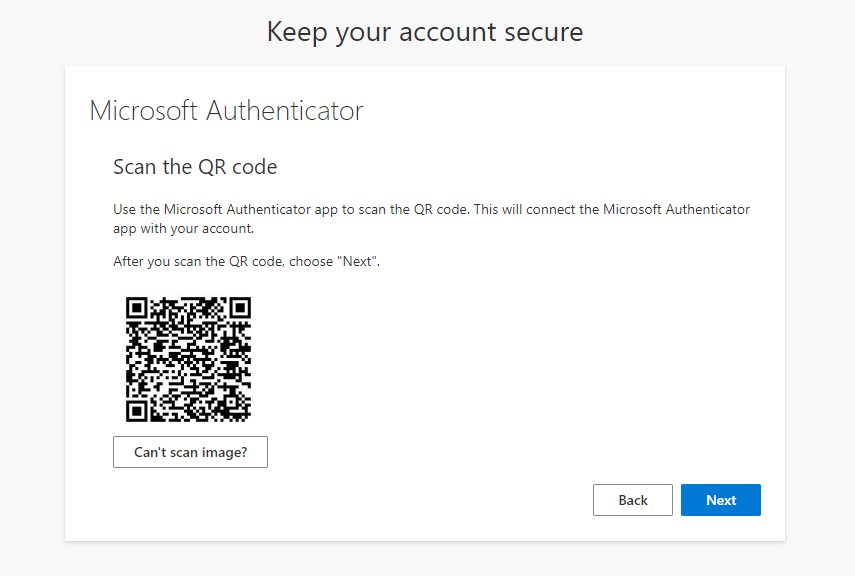
Return to your computer to set up the account. Select Next. A QR code page should appear. You will need to scan this code using the app on your phone.
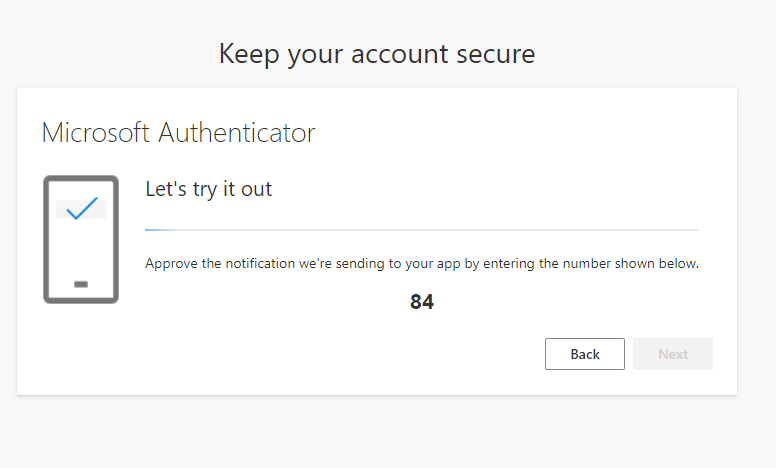
To verify your account, you will receive a verification code on your computer. Enter the code in the Authenticator application. If everything is set up correctly, you will receive a confirmation message.
After setting up the app, log in to your Savion account, either through Office.com or Outlook.com.

Enter your Savion password

On the next screen, you will receive a code. Type it in the Microsoft Authenticator app on your phone and confirm.

Click on Yes.

You are now in your account.